Getting Started
A newer version of Modbux is available. View v2.3 documentation. If you still need v2, download it from the GitHub releases page.
Installation
If Windows SmartScreen shows a warning, click "More info" → "Run anyway". Modbux isn't signed by Microsoft, but is completely safe.
On first launch: right-click the app and choose "Open", or go to System Settings → Privacy & Security → "Open Anyway".
Seeing "Modbux is damaged and can't be opened"? This is macOS Gatekeeper blocking the app because it isn't signed with an Apple Developer certificate (common on macOS 15 and later). Modbux is safe. Run this once in Terminal, then open the app again:
xattr -cr /Applications/Modbux.appPersistence
Everything in Modbux is persistent. When you close the app and reopen it, everything is exactly the way you left it: connections, register configurations, server setups, all of it. You don't need to save anything manually to preserve your session.
Which mode do you need?
Modbux opens with a home screen where you choose how you want to work. The choice depends on what you're trying to do:
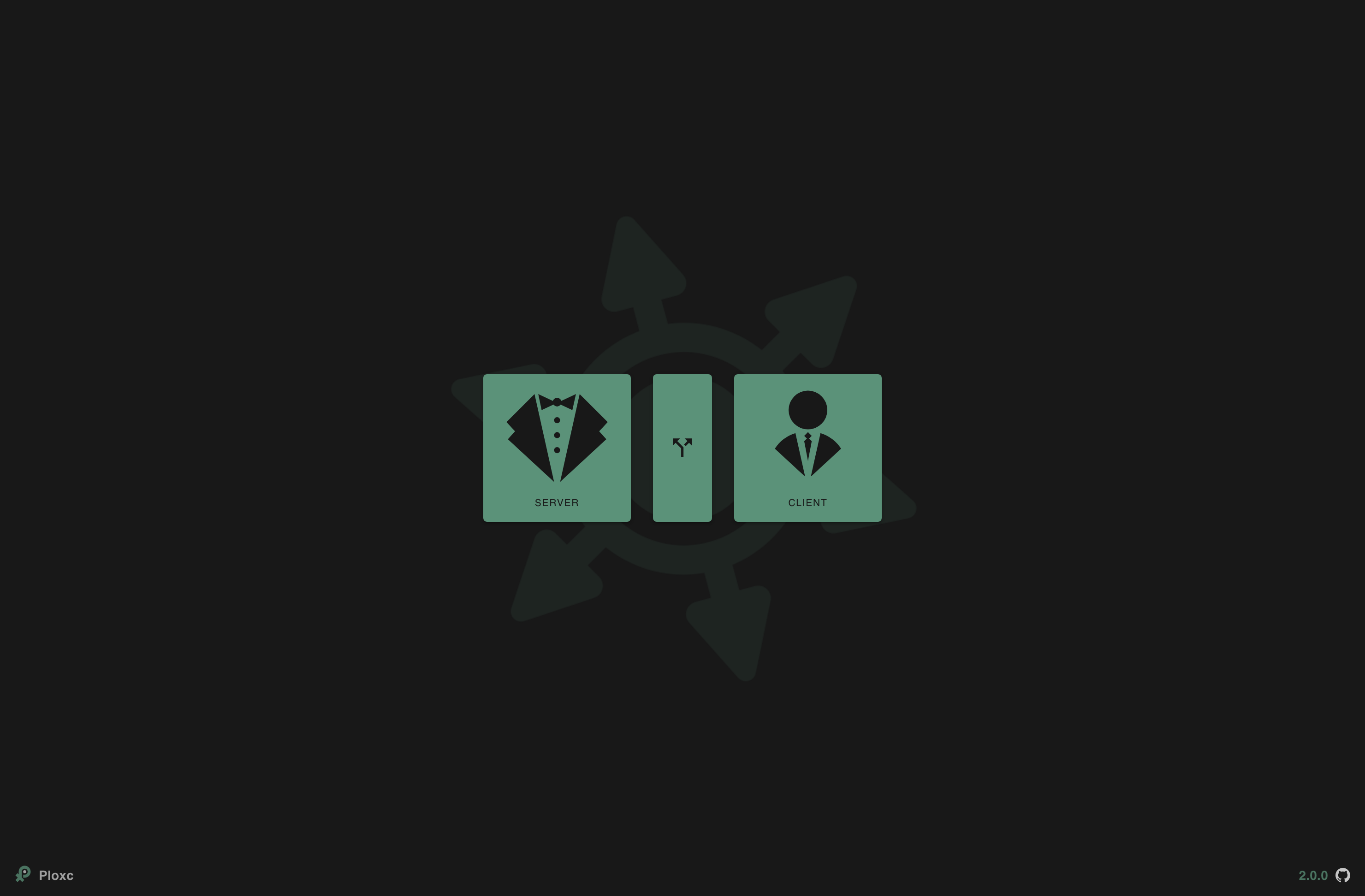
Client
You want to read, test or configure an existing Modbus device. For example: a PLC, sensor or variable frequency drive.
Server
You want to simulate a Modbus device so you can test your own software or hardware without a physical device.
Split
You want to run client and server at the same time. Useful for learning Modbus, or when you're developing both sides of a communication (e.g. PLC code and a client application) simultaneously.
Quick start
Reading a device
Click Client on the home screen.
Set up your connection: choose TCP or RTU, fill in the address and select the correct Unit ID.
Click Connect. The button turns yellow when the connection is active.
Configure which registers you want to read (type, start address, length) and click Read.
Simulating a device
Click Server on the home screen.
Choose a port and Unit ID for your virtual device.
Add registers, for example a few Holding Registers with test values.
Your server is running immediately. Connect to it from a client via 127.0.0.1.
Client and server simultaneously
Click Split on the home screen.
A second window opens with the server. Your main window automatically becomes the client.
Configure your server with the desired registers in the server window.
Connect in the client window to 127.0.0.1 and start reading and writing.
Split mode is great for learning Modbus hands-on, or when you're developing both client and server logic at the same time, for example writing PLC code alongside a monitoring application.